Who is this switch best for?
- Office LAN expansion
- CCTV and IP camera networks
- WiFi access point connectivity
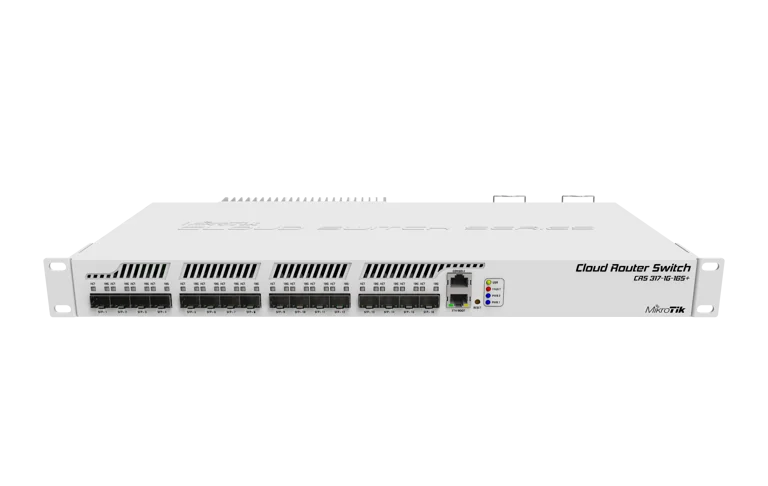
Network Switches by Port Count
IN STOCKWorks with standard Ethernet networking equipment including routers, computers, IP cameras, access points and servers. Confirm port, PoE and mounting requirements before purchase.
Check the product label or manufacturer datasheet for exact input voltage, power adapter and PoE requirements.
The MikroTik CRS312-4C+8XG-RM is a managed rack-mounted switch for networks that need high-speed copper connections with flexible fibre options. It suits offices, production studios, server installations and businesses transferring large files between capable devices.
The CRS312 has eight dedicated 10G RJ45 ports and four 10G combo interfaces—not twelve SFP+ ports. Each combo interface offers an RJ45 socket and an SFP+ cage, with only one connection active at a time. This provides up to twelve simultaneous 10G connections. CRS312-4C+8XG-RM
For Kenyan organizations upgrading a network, it offers a practical way to connect compatible workstations, storage systems and switches while choosing copper or fibre for selected links.
Contact Network Switch Kenya for a quotation covering the switch and the accessories required for your installation.
Confirm:
Browse networking equipment at Network Switch Kenya when planning the wider installation.
The dedicated Ethernet interfaces support compatible 1G, 2.5G, 5G and 10G equipment. This helps accommodate a network containing devices with different interface speeds.
Performance depends on the endpoints, cable installation and negotiated link rate. A switch upgrade alone will not make a Gigabit-only computer operate at 10Gbps.
Flexible Combo ConnectionsThe four combo interfaces allow selected links to use copper or suitable SFP+ equipment. This flexibility is useful when nearby devices use Ethernet while another connection requires fibre.
The paired connectors share an interface. Connecting both does not create two independent network ports.
RouterOS or SwOS ManagementChoose RouterOS for broader configuration requirements or SwOS for switch-focused administration.
Plan the operating-system choice before installation. Management methods and configuration procedures differ between the two.
Hardware SwitchingSupported traffic can be forwarded by the switch chip rather than processed through the CPU. Configuration choices therefore matter when seeking high throughput.
Routing and firewall workloads require separate performance assessment; switching capacity does not represent equivalent CPU routing capacity.
Redundant PowerTwo power supplies support a more resilient installation. Where appropriate independent feeds are available, they can reduce dependence on a single upstream power source.
Watch the MikroTik CRS312 product video on YouTube
Specifications follow MikroTik’s product documentation. CRS312-4C+8XG-RM
Each combo interface has two physical connection options:
OptionTypical useRJ45Compatible copper Ethernet connectionSFP+Compatible optical module or direct-attach cableOnly one option works at a time on each pair.
MikroTik documents automatic selection, with SFP taking priority when both connections are present under the default automatic setting. The active medium can also be selected in software. RouterOS Manual
Plan the four combo interfaces carefully if several fibre links are required. A switch with more dedicated SFP+ interfaces may better suit a fibre-heavy installation.
Connect capable workstations and storage equipment used for editing, design or other large-file tasks. Check storage performance as well as network speed before estimating transfer times.
Server and Storage ConnectionsProvide high-speed connections between compatible systems. Endpoint interfaces and the application workload determine the benefit obtained.
Network AggregationConnect switches and other equipment through suitable high-speed uplinks. Design capacity around simultaneous traffic and avoid introducing slower bottlenecks elsewhere.
Mixed Copper and Fibre InstallationsUse copper connections where practical and allocate combo interfaces to optical links where needed.
For a different access-switch arrangement, review the MikroTik CRS326-24G-2S+RM at MikroTik Kenya. It is a separate model to assess against your port requirements.
Where dedicated routing is required, the MikroTik CCR2216-1G-12XS-2XQ router at Tawa is another product to evaluate. Its role and interface arrangement differ from this switch.
List each device, required speed, cable type and network assignment.
Identify which combo interfaces will use copper and which will use SFP+ equipment. Verify accessories against both endpoints before purchasing.
2. Install in a Suitable LocationFit the rack brackets and mount the switch securely. Allow airflow and cable clearance, and keep the enclosure in a dry indoor environment.
The fans make this an actively cooled device. Consider noise and ventilation when choosing its location.
3. Connect PowerConnect the supplied cords to appropriate grounded supplies.
For genuine upstream power resilience, assess independent feeds or UPS arrangements. Connecting both supplies to one extension socket leaves that socket as a common failure point.
4. Establish Initial AccessFollow the instructions supplied with the unit. MikroTik’s guide documents a computer address of 192.168.88.2/24 and an initial management address of 192.168.88.1.
For RouterOS, use WebFig or WinBox. If IP access is unavailable, WinBox’s Neighbors discovery may help. Check the device sticker for credentials where applicable and set a strong password. RouterOS Manual
5. Choose the Operating SystemConfirm whether RouterOS or SwOS meets the installation requirements.
In RouterOS, the documented boot selection is under System → RouterBOARD → Settings → Boot OS. Changing the operating system causes interruption, so complete this before production use. RouterOS Manual
6. Secure ManagementSet a recognizable identity and an unused management address suitable for the network.
Restrict administration appropriately and record the access details. Keep a working management path while changing other settings.
7. Check FirmwareUse firmware intended for the model and chosen operating system. Back up any existing configuration first.
Maintain stable power during updates and confirm access afterward.
8. Configure Switching and VLANsInspect the existing configuration before changing it.
For RouterOS, use a suitable bridge design and verify hardware offload on intended switching ports. Plan VLAN membership, access ports and tagged uplinks before enabling filtering.
Coordinate settings with connected equipment and preserve management access.
9. Connect Links GraduallyAttach one connection at a time and check its negotiated speed.
For copper connections, investigate cabling and endpoint capability if a link negotiates below the intended rate. For optical links, verify module compatibility, fibre type and remote settings.
Keep the serial-console socket separate from Ethernet connections.
10. Configure Aggregation or RedundancyUse a supported design at both ends before adding parallel links.
Link aggregation can distribute traffic across connections, but it does not automatically multiply the speed available to one flow.
11. Test Actual ApplicationsMeasure transfers between capable endpoints rather than relying only on tests generated by the switch’s CPU.
Review link errors, CPU usage, temperatures and hardware-offload status. Save configuration backups and document the port layout.
MikroTik lists two IEC power cords, rack ears and a fastening kit. Confirm the seller’s complete package.
Optical modules, fibre leads, direct-attach cables and Ethernet cables should be specified separately. CRS312-4C+8XG-RM
No. It has eight dedicated copper interfaces and four copper/SFP+ combo interfaces.
Can both connectors in a combo pair work together?No. They share one interface, with one active medium at a time.
Does it supply PoE?No. Connected PoE equipment needs another suitable power source.
Can it increase internet speed?It cannot increase the service supplied by your provider. It can improve suitable local-network connections.
Can it replace a dedicated router?Assess the routing workload separately. Its main strength is hardware switching.
Contact Network Switch Kenya for a quotation. Provide endpoint models, connection distances and copper or fibre requirements so compatible equipment can be selected.
MikroTik CRS312-4C+8XG-RM 12-Port 10G SFP+ Switch Price in Kenya is currently listed as available. Stock can change, so confirm availability before placing a large order.
The current listed price is KSh 83,000.00. Prices are generated from the product catalogue and may change when inventory is updated.

MikroTik
5-Port | 10G | 4× SFP+ | Managed
In Stock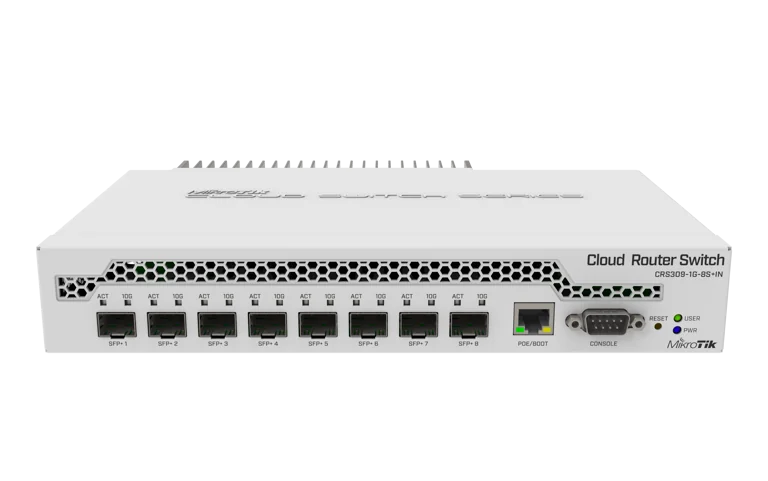
MikroTik
9-Port | 10G | 8× SFP+ | Managed
In Stock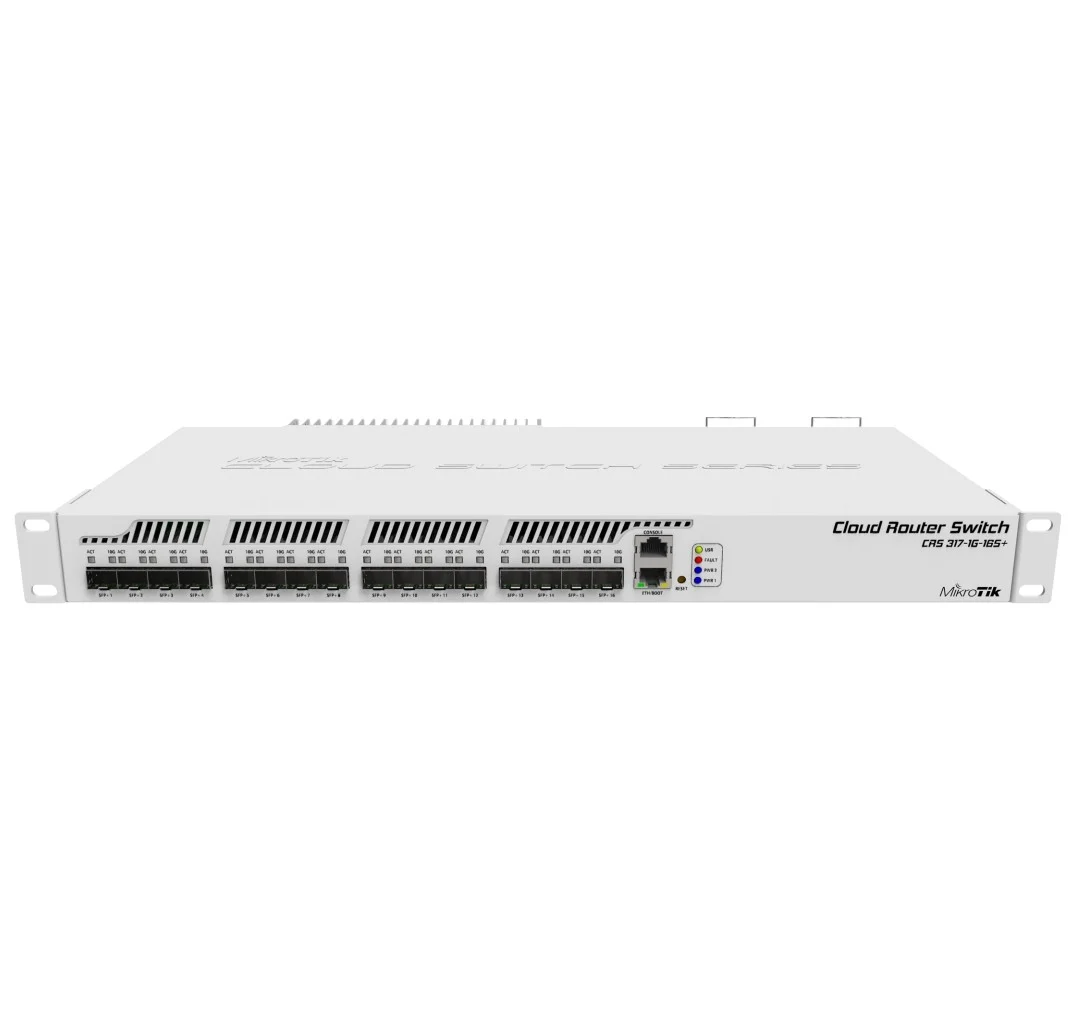
MikroTik
17-Port | 10G | 16× SFP+ | Managed
In Stock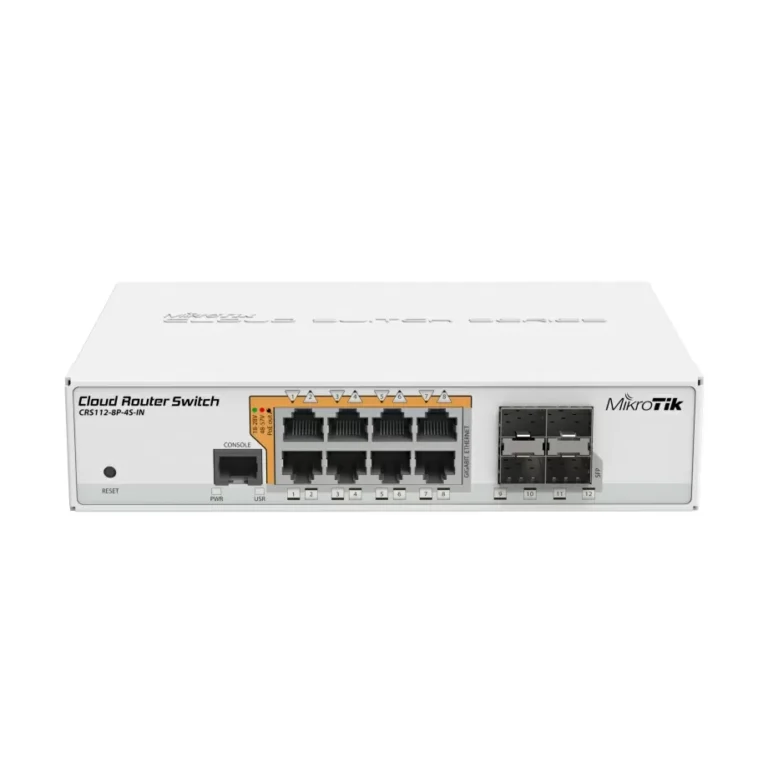
MikroTik
12-Port | Gigabit | 4× SFP | Smart Managed
In Stock