TP-Link
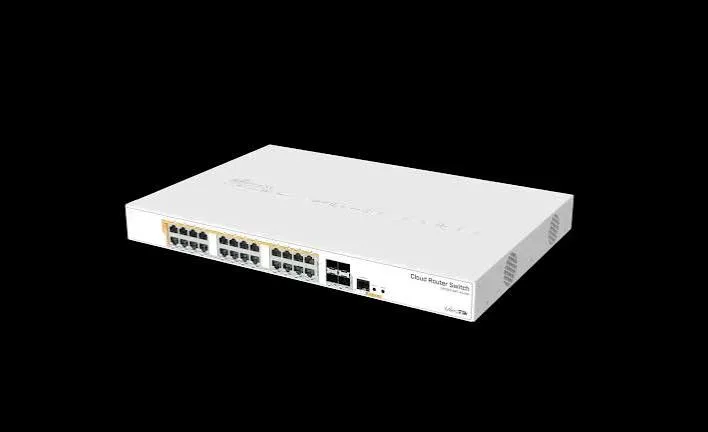
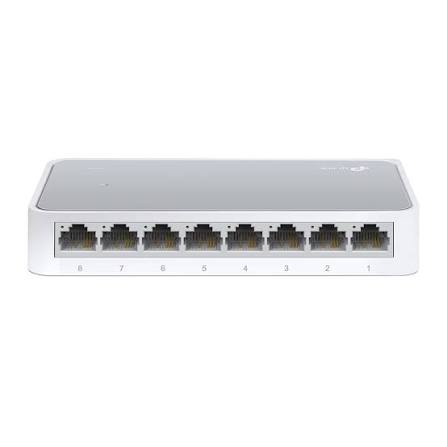
TP-Link TL-SF1008D 8-Port 10/100Mbps Desktop Switch Price in Kenya
8-Port | Fast Ethernet | Unmanaged
In Stock
KES 1,100.00
KES 1,500.00
Kenya's Specialist Network Switch Store
Shop PoE, Managed, Unmanaged, Gigabit, Fiber and Enterprise Network Switches from leading brands in Kenya.
TP-Link
8-Port | Fast Ethernet | Unmanaged
In Stock
TP-Link
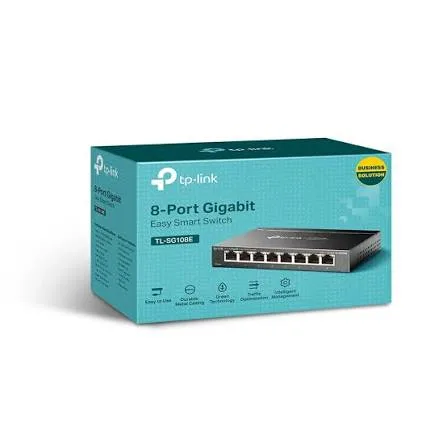
8-Port | Gigabit | Unmanaged
In Stock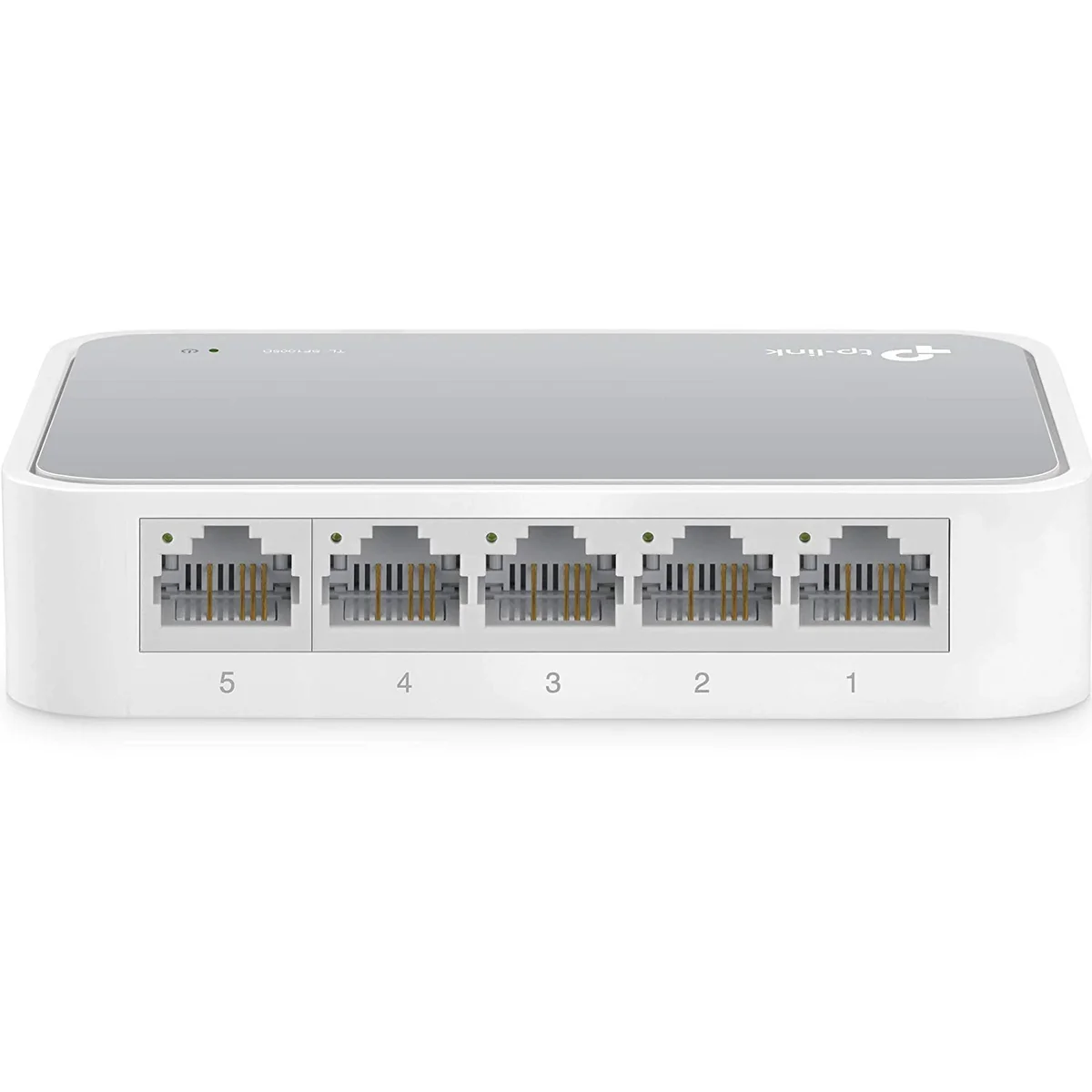
TP-Link
5-Port | Fast Ethernet | Unmanaged
In Stock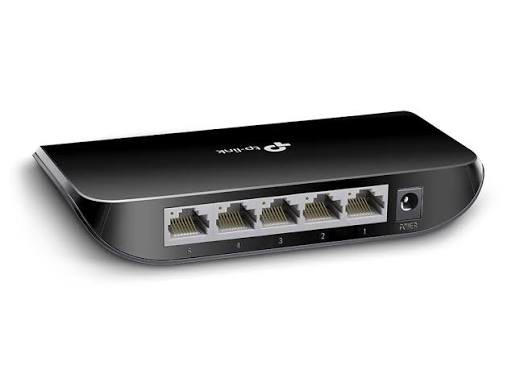
TP-Link
5-Port | Gigabit | Unmanaged
In Stock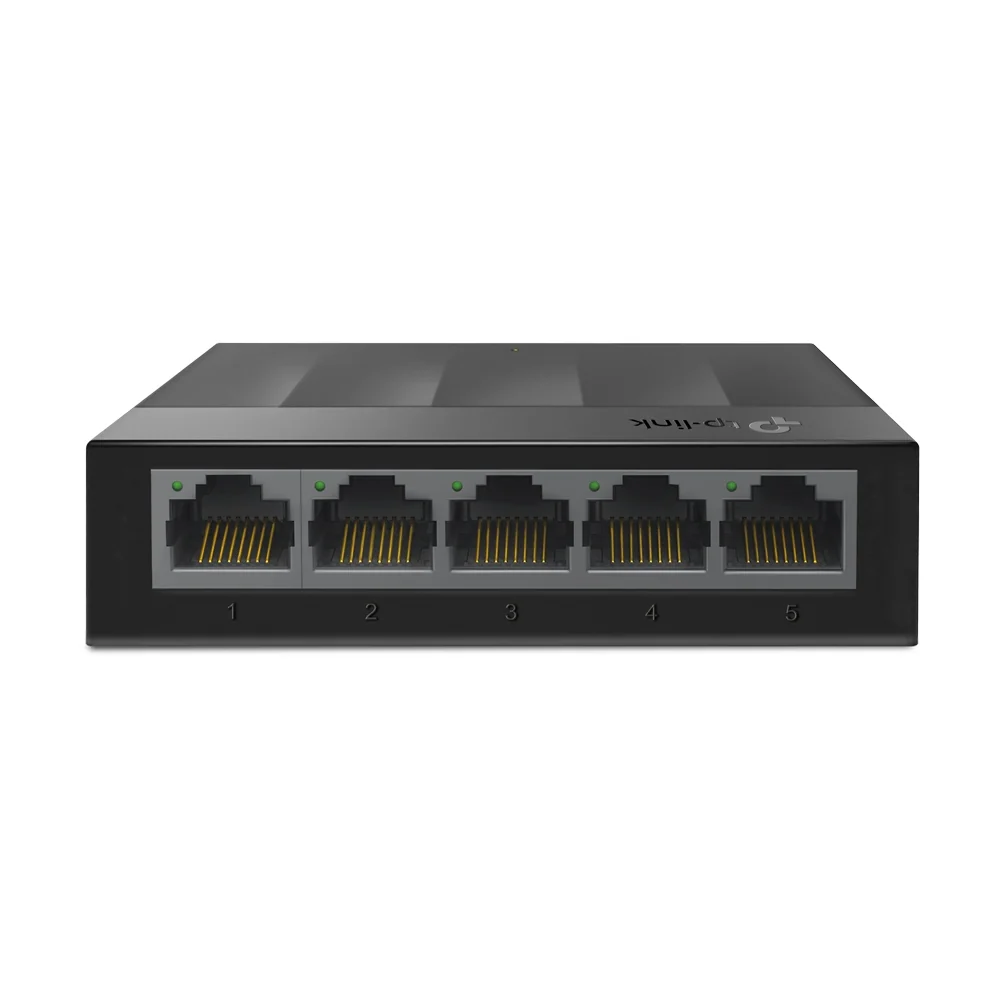
TP-Link
5-Port | Gigabit | Unmanaged
In Stock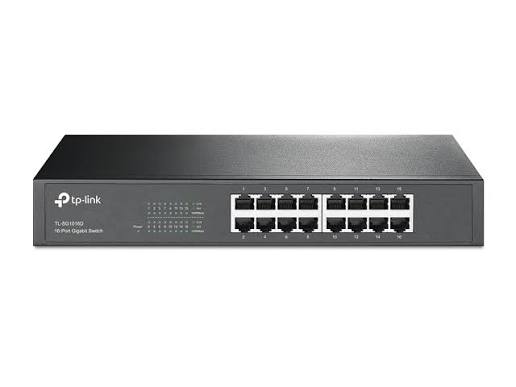
TP-Link
16-Port | Gigabit | Unmanaged
In Stock
TP-Link
16-Port | Gigabit | Unmanaged
In Stock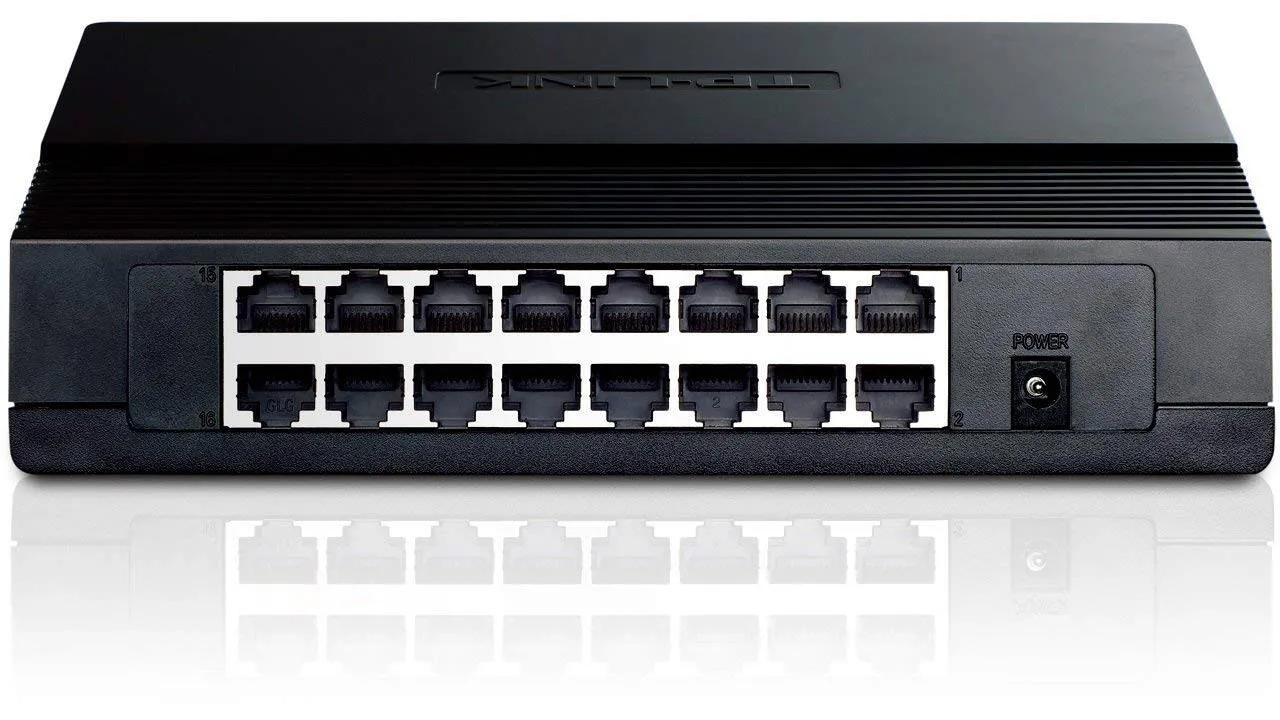
TP-Link
16-Port | Fast Ethernet | Unmanaged
In StockKenya's specialist network switch store, built around finding, comparing and buying the right switch for your network.
Genuine switches from TP-Link, Ubiquiti, MikroTik, D-Link, Tenda, Cisco and more.
Warranty coverage is confirmed per product before purchase.
Get help choosing the right port count, PoE budget and management level.
Delivery options are confirmed during checkout based on stock location and destination.
Request quotes for 24/48 port, enterprise, CCTV and ISP projects.
Buy in bulk for offices, schools, hotels and installation projects.
Contact UsContact Network Switch Kenya for Network Switch SolutionsWelcome to Network Switch Kenya.Whether you are looki
About UsNetwork Switch Kenya – Your Trusted Source for Network Switching SolutionsWelcome to Network Switch Kenya, a ded
TP-Link Switch Kenya: Prices, Models & Complete Buying GuideA TP-Link Switch Kenya solution is one of the most popul
Answers to common questions about network switch prices, PoE, port counts, stock and delivery in Kenya.
Start with the number of devices you need to connect (port count), then decide whether you need PoE, what speed you require, and whether you need management features.
Power over Ethernet (PoE) delivers power and data over one cable. You need it for IP cameras, WiFi access points, VoIP phones and access control readers.
Product prices are generated from the store catalogue and update when the admin changes a product price.
Yes. The Switch Finder asks a few simple questions about your devices, PoE, speed and budget, then recommends matching switches.
The installation team arrived on time, explained the ideal mounting position, and got us online the same day. The experience felt professional from start to finish.
Customer
Our children now attend online classes without interruptions, and video meetings are finally stable. Starlink has made a visible difference in our day-to-day routine.
Customer
Uploads that used to take forever now finish quickly, which matters a lot for my content work. For creators working outside strong fiber zones, this is a serious upgrade.
Customer
Finding the right Network Switch Kenya solution is an important step when building a reliable home, office, school, hotel, CCTV, enterprise or ISP network. A network switch connects multiple wired devices so that computers, access points, IP cameras, servers, printers, VoIP phones and other equipment can communicate efficiently over the same local network.
The Kenyan market now includes everything from simple 5-port and 8-port desktop switches for small installations to 24-port, 48-port, PoE, managed and fibre-capable enterprise switches. Buyers can choose from brands such as TP-Link, MikroTik, Ubiquiti, D-Link, Cisco, Tenda and other networking manufacturers. The best option depends on how many devices you need to connect, your required network speed, whether you need PoE, VLAN functionality, fibre uplinks and how much future expansion you expect.
At Network Switch Kenya, our goal is to help Kenyan customers understand their options before buying networking equipment. Whether you need a small Gigabit switch for an office or a large managed PoE switch for hundreds of connected devices, this guide explains what to consider, which switch categories are available and how to select equipment that matches your network.
A network switch is a device used to connect several devices within a Local Area Network, commonly called a LAN.
For example, an office may have:
Desktop computers
Network printers
Wireless access points
CCTV cameras
IP phones
Servers
Network storage
Routers
Biometric systems
Instead of connecting every device directly to a router, an Ethernet switch provides additional Ethernet ports and handles communication between connected devices.
A typical small office may connect its router to an 8-port or 16-port switch. Larger organisations can use multiple 24-port or 48-port switches connected through Gigabit, 2.5GbE, 10GbE or fibre uplinks.
The appropriate architecture depends on the number of devices, required bandwidth and network design.
There is no single network switch suitable for every installation.
Before purchasing a switch in Kenya, determine whether your project requires:
Unmanaged switching
Smart switching
Fully managed switching
Power over Ethernet
Gigabit Ethernet
Multi-Gigabit Ethernet
SFP or SFP+ fibre connectivity
Layer 2 management
Layer 3 functionality
VLANs
High-capacity uplinks
Matching these requirements correctly can prevent unnecessary costs while ensuring the network has sufficient capacity for future expansion.
An unmanaged switch is normally the easiest type of Ethernet switch to deploy.
You connect the network cables and the switch begins forwarding traffic without requiring substantial configuration.
Unmanaged switches are suitable for applications such as:
Homes
Small offices
Small shops
Basic CCTV networks
Workstation expansion
Printer connectivity
Small entertainment systems
Common configurations include 5-port, 8-port, 16-port and 24-port switches.
If you only need additional Ethernet ports and do not require VLANs, detailed traffic control or advanced network monitoring, an unmanaged switch can be a practical and economical solution.
Managed switches provide considerably more control over the network.
Depending on the model, administrators may be able to configure features including:
VLANs
Link aggregation
Port isolation
Spanning Tree Protocol
Quality of Service
Access control
Port monitoring
SNMP
Traffic management
Network security policies
Managed switches are widely used in medium-sized businesses, corporate networks, schools, hotels, universities, data centres and ISP environments.
A managed switch is especially useful where different groups of users or devices must be separated.
For example, a hotel may create different VLANs for:
Guests
Staff
CCTV cameras
Management systems
VoIP phones
This helps improve network organisation, manageability and security.
For specialised managed networking solutions, you can also explore MikroTik Kenya, which provides information on MikroTik switching and routing products.
A PoE switch provides both network connectivity and electrical power through compatible Ethernet cabling.
PoE stands for Power over Ethernet.
This technology can reduce the need for separate electrical adapters near individual devices.
PoE switches are commonly used to power:
IP CCTV cameras
Wireless access points
VoIP phones
Intercom systems
Some access-control systems
Other compatible powered devices
A single Ethernet cable can therefore carry both data and power.
Consider an installation containing 20 ceiling-mounted access points.
Without PoE, you could require a nearby power connection for every access point.
With a compatible PoE network switch, Ethernet cabling from the communications cabinet can provide both network connectivity and power.
This can simplify installation and centralise power management.
However, always check:
PoE standard
Per-port power requirement
Total switch PoE budget
Number of PoE-enabled ports
Device compatibility
Do not choose a PoE switch based only on the number of Ethernet ports.
A 24-port PoE switch, for example, may not necessarily provide enough total power budget to operate 24 high-powered devices simultaneously.
For many modern networks, Gigabit Ethernet is the practical starting point.
A Gigabit switch normally supports speeds of:
10/100/1000 Mbps per compatible Ethernet port.
Gigabit connectivity is useful for:
Office computers
Servers
NAS systems
CCTV recorders
Wireless access points
Fibre internet connections
Business networks
Large file transfers
Older Fast Ethernet switches generally operate at up to 100 Mbps on their Ethernet ports.
They can still be suitable for basic applications, but Gigabit switches provide significantly more capacity for modern networks.
If your organisation uses fast fibre or satellite internet, internal networking equipment should be selected carefully so that an older 100 Mbps switch does not become an avoidable bottleneck.
For broader networking equipment and project requirements in Kenya, you can also visit Orbitlink Solutions.
A 5-port switch is suitable when only a few additional wired connections are required.
Typical uses include:
Home networking
Small office desks
Smart TVs
Printers
Gaming equipment
Small CCTV installations
They are compact and usually easy to install.
For most new installations where compatible equipment is available, consider a Gigabit model rather than limiting the network to Fast Ethernet.
An 8-port network switch gives additional flexibility without requiring a large rack-mounted device.
It can work well for:
Small offices
Retail shops
Home offices
CCTV systems
Small Wi-Fi deployments
PoE versions are particularly useful for several cameras or access points.
Before purchasing, confirm whether all eight ports provide PoE or only selected ports.
A 16-port switch provides a useful middle ground between small desktop switches and larger 24-port enterprise models.
Common applications include:
Growing offices
CCTV installations
Schools
Restaurants
Small hotels
Retail operations
Warehouses
A 16-port Gigabit PoE switch can support networks with several access points or cameras while leaving capacity for future expansion.
Twenty-four-port switches are very common in professional network installations.
They are particularly suitable for structured cabling environments where Ethernet cables terminate in a network cabinet.
Applications include:
Medium-sized businesses
Schools
Hotels
Apartment networks
CCTV projects
Campus buildings
ISP installations
Many professional 24-port switches are rack-mountable.
Depending on the model, additional features may include SFP ports, SFP+ uplinks, VLAN management, PoE+, link aggregation and centralised controller integration.
A 48-port switch is designed for environments with many wired endpoints.
Typical users include:
Large businesses
Universities
Hotels
Hospitals
Schools
Data centres
ISPs
Large CCTV deployments
Instead of installing several smaller switches, a 48-port model may provide a cleaner rack configuration.
However, network design should also consider redundancy and failure domains. Putting every critical connection through one device may not always be desirable for larger installations.
Professional network planning becomes increasingly important as the number of users and connected devices increases.
Choosing between managed and unmanaged switches is one of the most important decisions.
FeatureUnmanaged SwitchManaged SwitchSetupSimpleRequires configurationVLAN supportUsually noCommonly availableMonitoringLimitedAdvanced options availableTraffic controlLimitedAvailable depending on modelBest forSmall/basic networksBusiness/enterprise networksAdministrationMinimalWeb, CLI or controller depending on productScalabilityBasicBetter for complex networksFor a small office that simply needs more Ethernet ports, unmanaged switching may be enough.
For organisations requiring VLAN separation, traffic monitoring, redundancy or more advanced network control, managed switching is usually more appropriate.
Kenyan buyers can choose from a wide range of networking brands.
TP-Link manufactures switches for home, SME and enterprise networking.
Available categories include:
5-port switches
8-port switches
16-port switches
24-port switches
48-port switches
PoE switches
Easy Smart switches
JetStream managed switches
Omada-compatible switches
Current Kenyan retailers list TP-Link products ranging from basic desktop switches to 48-port managed PoE models.
MikroTik is popular among network engineers, WISPs and ISPs because of the configuration flexibility offered by many of its devices.
Its switching families include various CSS and CRS products with combinations of:
Gigabit Ethernet
SFP
SFP+
10 Gigabit connectivity
PoE
Rack-mounting
RouterOS
SwOS
You can read more about available options at MikroTik Kenya. Current MikroTik Kenya resources include CRS switches designed for VLAN, fibre and higher-capacity switching environments.
Ubiquiti switches are frequently used with UniFi network environments.
Depending on the product generation and model, UniFi switches can provide features including:
PoE
VLAN configuration
Fibre uplinks
Centralised management
Network monitoring
UniFi ecosystem integration
They are particularly attractive for installations already using UniFi access points and gateways.
D-Link offers both affordable desktop Ethernet switches and managed business switches.
Common categories include:
Fast Ethernet switches
Gigabit switches
PoE switches
Smart managed switches
High-port-count enterprise switches
D-Link models are currently widely listed by Kenyan networking suppliers.
Cisco is well known in enterprise networking.
Cisco switching solutions can be used in corporate networks, institutions, large campuses and data-centre environments where advanced management, scalability and enterprise networking capabilities are required.
The correct series should be chosen according to the network architecture, support requirements and feature set.
Network switch prices in Kenya vary significantly.
The final cost depends on factors such as:
Brand
Port count
Ethernet speed
PoE capability
PoE power budget
Managed or unmanaged operation
SFP/SFP+ ports
Layer 2 or Layer 3 functionality
Uplink speed
Warranty
Product generation
Availability
Basic desktop switches can cost only a few thousand Kenya shillings, while enterprise PoE and high-speed fibre switches can cost tens or hundreds of thousands of shillings.
Current Kenyan listings demonstrate this broad range. Basic TP-Link and D-Link desktop switches are available at relatively low prices, while large managed PoE, MikroTik CRS and enterprise switches command substantially higher prices.
Because networking hardware prices and stock change, always verify the exact model and current quotation before purchasing.
Before buying, answer several questions.
Count all wired devices, including future additions.
If you currently need 18 Ethernet connections, purchasing a 24-port switch may make more sense than a 16-port model.
Leave spare capacity for expansion.
If you need to power IP cameras, wireless access points or VoIP phones over Ethernet, choose a compatible PoE switch.
Calculate the required power budget rather than looking only at the number of PoE ports.
For most modern business networks, Gigabit connectivity should strongly be considered.
Network-attached storage, high-speed internet, Wi-Fi access points and large file transfers can easily make 100 Mbps switching restrictive.
VLANs allow administrators to logically separate different types of traffic.
For example:
VLAN 10 — Management
VLAN 20 — Staff
VLAN 30 — Guests
VLAN 40 — CCTV
VLAN 50 — VoIP
If VLAN segmentation is part of your network design, select a suitable managed switch.
Larger networks frequently connect switches using fibre.
Look for SFP, SFP+ or higher-speed interfaces where required.
SFP modules should be selected according to:
Fibre type
Required distance
Connector
Wavelength
Data rate
Switch compatibility
Small unmanaged switches often use a compact desktop form factor.
Larger professional switches commonly use standard rack-mounted designs.
For structured installations, combine the switch with appropriate equipment such as:
Network cabinets
Patch panels
Cable managers
PDUs
Patch cords
Fibre termination hardware
You can explore additional networking equipment through Tawa, which currently carries network switches and related equipment for Kenyan buyers.
CCTV is one of the most common applications for PoE switches.
An IP CCTV system may include:
Cameras
PoE switch
NVR
Router
Monitoring computer
Internet connection
The switch must have sufficient bandwidth and PoE capacity for the connected cameras.
For example, installing a 24-port PoE switch does not automatically mean that every possible combination of 24 PoE cameras can be powered without checking power requirements.
Always compare the total expected camera consumption against the switch's documented PoE budget.
An office switch connects equipment such as:
Computers
Printers
IP phones
Access points
NAS systems
Servers
Security systems
A small office may need only an 8-port or 16-port Gigabit switch.
A larger office might use multiple 24-port or 48-port managed switches connected through fibre or high-speed Ethernet uplinks.
VLANs are particularly useful for separating staff, guest, voice and security networks.
ISPs and WISPs can have significantly different switching requirements from home and office users.
Typical requirements may include:
VLANs
SFP and SFP+
10GbE
High forwarding capacity
Redundant links
Network monitoring
Link aggregation
Rack-mounting
High port density
MikroTik equipment is frequently considered in this market because several CRS switches provide combinations of Ethernet, SFP, SFP+ and management features.
ISPs building subscriber management systems can also explore Tajira for ISP and hotspot billing solutions.
A router and a switch perform different roles.
A router normally connects different networks and provides the gateway between the local network and another network such as the internet.
A switch connects devices inside a local network.
A typical installation may look like this:
Internet → Router/Firewall → Network Switch → Computers, Access Points, Cameras and Phones
Many networks require both devices.
Traditional Ethernet hubs send received traffic to all connected ports.
Modern Ethernet switches make forwarding decisions based on network information and provide far more efficient network operation.
For virtually all modern business applications, Ethernet switches have replaced hubs.
Price is important, but it should not be the only consideration.
A cheaper switch can become expensive if it:
Cannot handle required speeds
Has insufficient PoE capacity
Lacks required VLAN features
Has too few uplink ports
Cannot support expected growth
Becomes a network bottleneck
Instead, choose the switch according to the actual project requirements.
The objective should be correct capacity and functionality at a sensible cost.
When buying networking equipment, confirm:
Exact model number
Port specifications
PoE capability
PoE budget
Management features
Included accessories
Warranty
Stock availability
Delivery options
Technical support
Kenyan buyers can compare networking equipment through suppliers including Orbitlink Solutions, Tawa and specialised resources such as MikroTik Kenya.
For customers planning a complete network rather than buying a single device, preparing a Bill of Quantities can make purchasing easier.
A BOQ can include:
Network switches
Routers
Access points
Cabinets
Patch panels
CAT6 cables
Fibre cables
SFP modules
Patch cords
UPS systems
Installation materials
This makes it easier to verify compatibility between all components.
The appropriate switch depends on the network. A small office may only require an unmanaged Gigabit switch, while a hotel, school, enterprise or ISP may require a managed PoE switch with VLANs and high-speed uplinks.
Prices vary significantly according to port count, speed, PoE capability, management features and brand. Basic desktop switches can cost a few thousand shillings, while enterprise switching equipment can cost tens or hundreds of thousands. Always check the current model-specific quotation before buying.
Choose unmanaged switching for simple plug-and-play connectivity. Choose a managed switch when you require features such as VLANs, traffic monitoring, link aggregation or more advanced network control.
A PoE network switch can provide both data and electrical power to compatible devices through Ethernet cabling. Typical PoE devices include IP cameras, access points and VoIP phones.
A Gigabit switch provides significantly more Ethernet bandwidth and is generally more suitable for modern networks, particularly where users transfer large files, operate fast Wi-Fi access points or have high-speed internet connections.
Count your current Ethernet devices and leave capacity for future expansion. If you already have seven connections, for example, an 8-port switch leaves little room for growth and a larger model may be more practical.
Choosing the right Network Switch Kenya solution begins with understanding your network rather than simply selecting the cheapest switch.
Consider the number of devices you need to connect, required network speed, PoE requirements, VLANs, fibre connectivity, management features and future growth.
Small networks may work perfectly with 5-port or 8-port unmanaged Gigabit switches. Growing offices may require 16-port or 24-port managed switches. Hotels, schools, CCTV networks and enterprise environments may need high-capacity PoE switching. ISPs and data-intensive networks may require fibre, SFP+, 10GbE and more advanced managed switching capabilities.
At Network Switch Kenya, our focus is helping customers identify networking equipment that matches the actual requirements of their installations.
Whether you are building a small office network, CCTV system, hotel Wi-Fi network, school network, enterprise LAN or ISP infrastructure, compare specifications carefully and select equipment that gives your network enough performance, manageability and expansion capacity for the years ahead.