Who is this switch best for?
- Office LAN expansion
- CCTV and IP camera networks
- WiFi access point connectivity
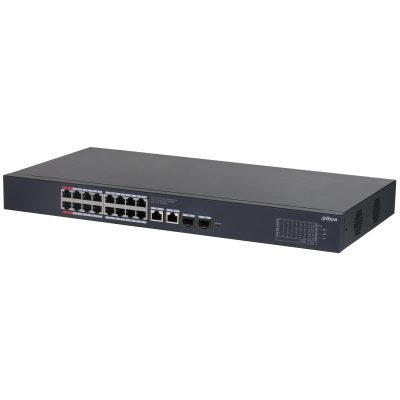
Works with standard Ethernet networking equipment including routers, computers, IP cameras, access points and servers. Confirm port, PoE and mounting requirements before purchase.
Check the product label or manufacturer datasheet for exact input voltage, power adapter and PoE requirements.
The Dahua DH-CS4220-16GT-135 is a managed Gigabit PoE switch designed to connect and power compatible network equipment, including IP cameras, wireless access points and other PoE devices. It suits offices, shops, schools, hotels and CCTV installations that need centralized connectivity and power management.
Although commonly described as a 16-port PoE switch, it provides 20 network interfaces in total: 16 Gigabit PoE ports, two additional Gigabit Ethernet uplinks and two Gigabit SFP uplinks. The separate uplinks let you connect the switch to other network equipment without occupying a camera or access-point port. material.dahuasecurity.com
Its 135W shared PoE budget is the key planning limit. Select connected devices around their combined maximum power requirements, rather than assuming every port can deliver its individual maximum simultaneously.
Request a quotation for the Dahua DH-CS4220-16GT-135 in Kenya, specifying the number and type of devices you intend to connect.
Confirm:
Browse the ReisenSEO networking shop for supporting equipment.
Revision matters: Dahua publishes both original and V2 documentation for this model. Physical dimensions, some management features and operating-mode controls differ, so confirm which unit the seller supplies.
Gigabit interfaces provide capacity for traffic from multiple devices. They are useful where camera streams, wireless users and other applications share the same installation.
Actual performance still depends on the connected devices, cabling, uplinks and upstream network.
Centralized PoE PowerPoE carries power and data through one Ethernet cable, reducing the need for a separate electrical socket beside each compatible device.
The switch supports IEEE 802.3af/at equipment, with additional high-power support on designated ports. Verify each device’s required standard before connecting it.
Copper and Fibre UplinksThe additional Ethernet uplinks suit nearby network connections. The SFP interfaces support suitable optical modules for fibre links.
Explore SFP modules when planning a fibre connection. Match the modules, fibre type and optical characteristics at both ends. These are Gigabit SFP interfaces, not 10Gbps uplinks.
Network and Power ManagementLocal management helps administrators inspect connections and control PoE operation. Cloud management through Dahua’s platform can provide remote visibility where configured and supported.
For an installation with several cameras, monitoring can help distinguish a power problem from a network connection problem.
These core values are documented in Dahua’s original and V2 datasheets. material.dahuasecurity.com
For physical planning, the original datasheet lists 440 × 220 × 44mm, while V2 lists 440 × 228.81 × 43.65mm. Confirm the supplied revision before allocating cabinet space. material.dahuasecurity.com
The 135W figure is shared across all powered devices.
For example:
Example loadCombined requirementPlanning result10 devices at 10W each100WLeaves some budget for other loads16 devices at 10W each160WExceeds the available budgetOne device at 90W plus four at 10W130WLeaves little operating marginThese are illustrative calculations. Use each device’s maximum requirement, including infrared illumination, heaters or other features that increase consumption.
Allow margin for startup demand and cable losses. A switch with enough connection ports may still lack sufficient power for the proposed equipment.
The switch can connect compatible IP cameras to a recording network. Recorder channel capacity remains a separate limit.
For example, the linked Dahua DHI-NVR1104HS-P-S3H four-channel NVR is a related recorder to assess for a small installation. Adding a larger switch does not increase its recording-channel allowance. Confirm camera compatibility and recorder bandwidth before purchase.
Wireless Access-Point InstallationsPower compatible access points and connect their traffic to the main network. Check the PoE requirements of each access point, particularly higher-power models.
Browse access points and networking accessories for complementary equipment.
Office and Commercial NetworksUse the switch as a distribution point for wired equipment. Separate routing equipment should provide internet access, firewall protection and routing between network segments.
The MikroTik RB760iGS hEX S at MikroTik Kenya is an upstream router option to assess. Size the router around the workload and required configuration.
Both documented versions support network management, but the capabilities are not identical.
The V2 datasheet adds explicit IEEE 802.1Q VLAN support, static link aggregation, port isolation, mirroring and LLDP-based topology features. It also documents physical switches for operating-mode controls.
On V2, the physical PoE Watchdog and Extend controls operate only when Managed Mode is off, according to the datasheet. Follow the instructions for the supplied hardware rather than assuming the controls work identically across revisions. materialfile.dahuasecurity.com
Check the label and supplied manual. Record the model, serial number and revision.
Use the corresponding documentation for management access, firmware and physical controls.
2. Calculate the Power RequirementList each intended PoE device and its maximum power demand.
Keep the combined requirement below 135W with practical margin. Allocate high-power equipment only to suitable designated ports.
3. Install the SwitchPlace it on a stable desktop surface or install it using the correct rack hardware.
Provide ventilation and connector clearance. Keep the switch indoors unless an appropriate protective enclosure is provided.
4. Connect PowerUse the supplied power cord and follow the unit’s rated supply requirements. V2 documentation specifies a built-in 100–240V AC supply. materialfile.dahuasecurity.com
A suitably sized UPS can help maintain operation, but its capacity must cover the switch and connected PoE load.
5. Connect One UplinkConnect a Gigabit uplink to the router or main network.
Begin with one uplink. Do not add parallel connections until loop prevention or a supported aggregation configuration has been planned at both ends.
6. Access and Secure ManagementFollow the supplied quick-start guide to locate and initialize the switch. Where it obtains an address through DHCP, check the router’s lease list or use the manufacturer’s discovery method.
Set strong credentials and record the management address. Avoid assuming a default address or password from another Dahua model.
7. Add Devices GraduallyConnect verified compatible PoE devices one at a time.
Check that each starts correctly and review its power demand. Use suitable Ethernet cable and inspect terminations if devices restart or fail to negotiate the expected link speed.
Browse Ethernet cables when preparing the installation.
8. Configure Network Separation Where NeededPlan camera, office and management traffic before enabling VLAN settings.
Match access-port and uplink configuration to the router and other switches. Preserve a working management connection during changes.
9. Configure Watchdog CarefullyWhere appropriate, enable PoE recovery for supported devices. Test its behaviour before relying on it.
Automatic power cycling can interrupt recording or other services, so it should address a specific operational need.
10. Use Extended Distance Only When SuitableDahua documents an extended mode of up to 250m at 10Mbps, with actual distance depending on cable and load conditions. This is not a 250m Gigabit connection. material.dahuasecurity.com
For demanding or longer links, assess fibre or another suitable design.
11. Test Under Realistic LoadRun the intended camera streams, access points and other applications together.
Check power usage, recording continuity, link errors and uplink traffic. Save configuration records and backups where supported.
The V2 packing list includes a power cord, rack-mounting kit and documentation. Confirm the seller’s complete package and revision.
Quote SFP modules, fibre leads, Ethernet cable and any UPS separately. materialfile.dahuasecurity.com
Possibly, if their combined maximum demand fits the budget and each camera is compatible.
Does it record video?No. A separate NVR or recording system is required.
Can it power 24V passive PoE radios?Do not assume compatibility. Use a power arrangement expressly supported by the radio.
Does it provide Wi-Fi?No. Connect suitable access points.
Does it replace a router?No. It provides Layer 2 switching; gateway services require an appropriate router.
Visit the ReisenSEO shop to request a quotation. Include device quantities and power requirements so the PoE budget and supporting equipment can be checked.
Dahua DH-CS4220-16GT-135 16-Port Gigabit PoE Switch Price in Kenya is currently listed as available. Stock can change, so confirm availability before placing a large order.
The current listed price is KSh 16,000.00. Prices are generated from the product catalogue and may change when inventory is updated.
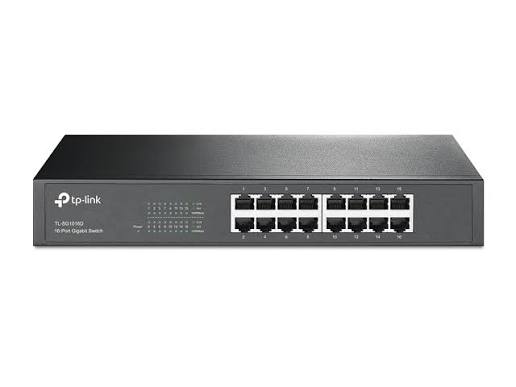
TP-Link
16-Port | Gigabit | Unmanaged
In Stock
TP-Link
16-Port | Gigabit | Unmanaged
In Stock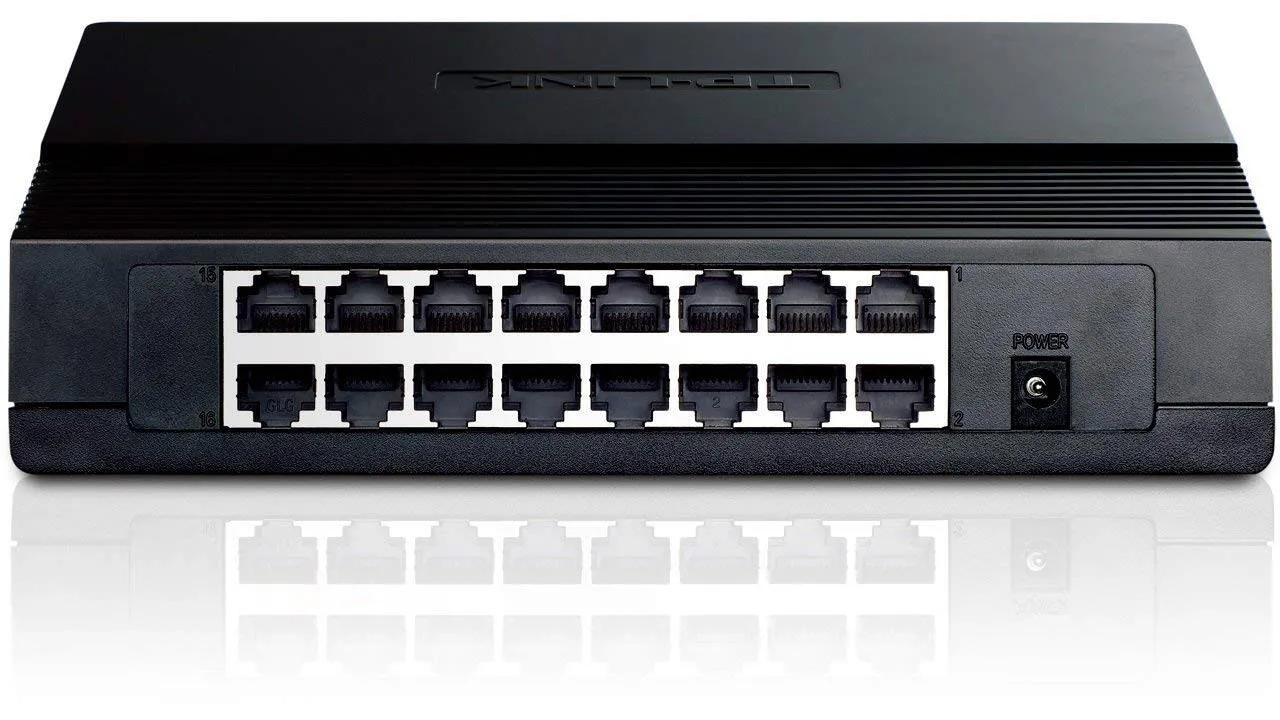
TP-Link
16-Port | Fast Ethernet | Unmanaged
In Stock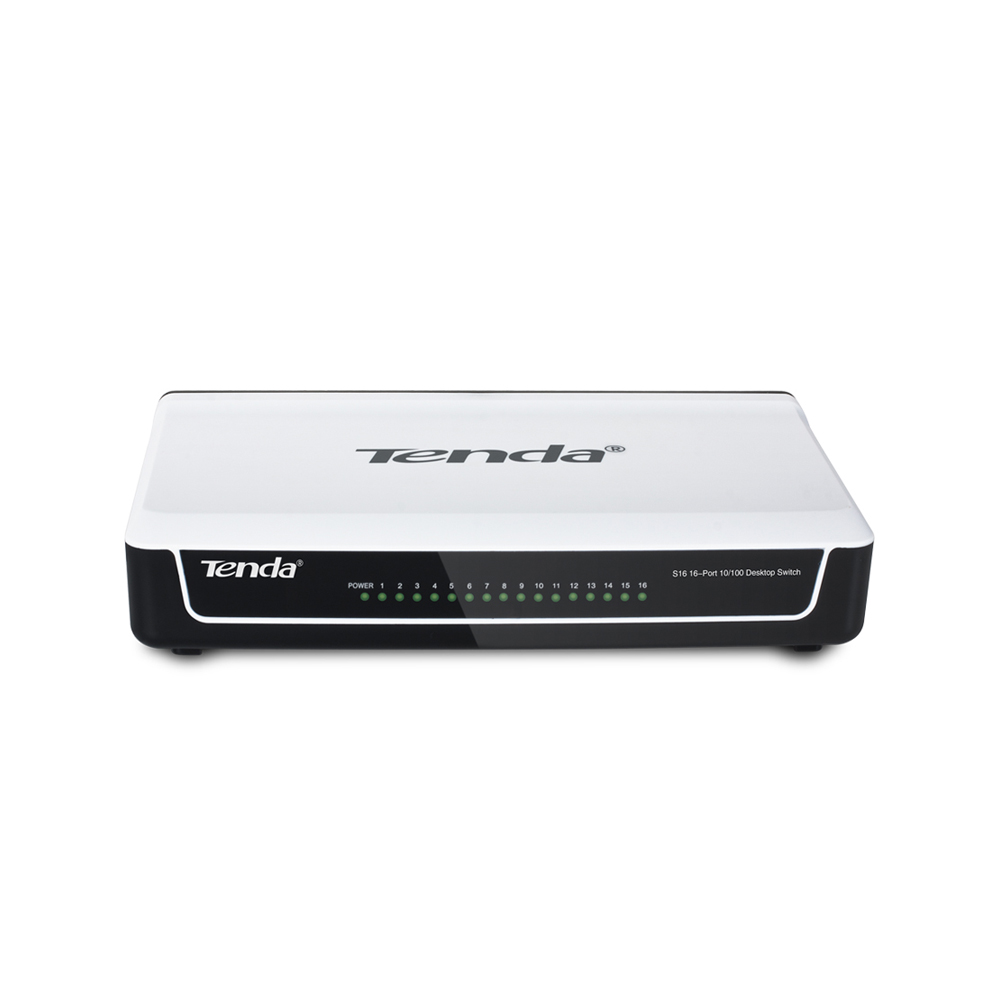
Tenda
16-Port | Fast Ethernet | Unmanaged
In Stock