Who is this switch best for?
- Office LAN expansion
- CCTV and IP camera networks
- WiFi access point connectivity
Works with standard Ethernet networking equipment including routers, computers, IP cameras, access points and servers. Confirm port, PoE and mounting requirements before purchase.
Check the product label or manufacturer datasheet for exact input voltage, power adapter and PoE requirements.
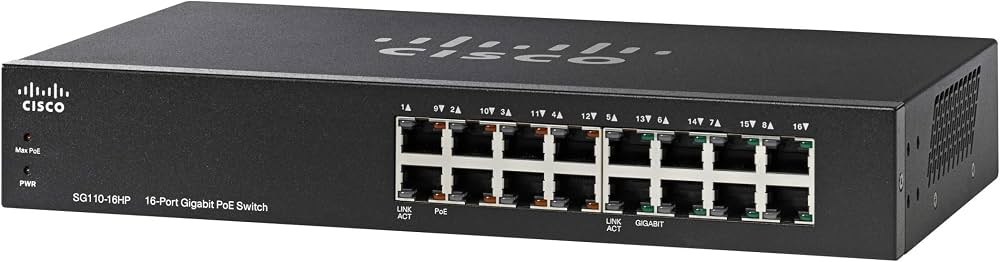
The Cisco SG110-16HP is an unmanaged Gigabit switch for small offices, retail premises and other installations that need straightforward wired connectivity and power for selected network devices. It connects computers, printers and compatible PoE equipment without requiring a switch management dashboard or complex configuration.
It has 16 Gigabit Ethernet ports, but only eight supply PoE. Those powered ports share a 64W power budget, making device power requirements an important part of choosing this model. cisco.com
Request the current Cisco SG110-16HP price in Kenya from Network Switch Kenya, including confirmation of product condition, accessories and warranty coverage.
The SG110-16HP combines ordinary Ethernet connections and powered connections in one unit. This suits installations with a mixture of computers and lower-power devices such as compatible IP phones or cameras.
Its unmanaged design simplifies deployment. You connect the equipment, provide the appropriate upstream network connection and configure the endpoints separately.
This model provides IEEE 802.3af PoE, rather than PoE+. Do not assume that a device requiring IEEE 802.3at or a higher-power standard will operate correctly from it. Cisco
Specifications follow Cisco’s documentation for the SG110-16HP. Cisco
The switch provides additional wired connections for equipment that would otherwise exceed the available LAN ports on a router.
One connection is normally used for the upstream router or switch, leaving up to 15 for other equipment. Use a non-PoE port upstream where practical to preserve the powered connections for devices that need them.
Power and Data Through One CableCompatible PoE equipment can receive power and network data through a single Ethernet cable. This reduces the need for a mains adapter beside each endpoint.
Check the device’s required power standard and maximum consumption before connecting it. A shared power budget must support the complete powered-device load.
Gigabit Local ConnectivityGigabit connections are useful for transferring files, accessing shared storage and connecting appropriately equipped computers.
Actual throughput depends on the endpoints, cable quality and upstream network. The switch does not increase the speed of an internet subscription.
Quiet OperationThe fanless design is convenient for equipment installed near work areas. Keep the unit ventilated and avoid covering it or placing it beside a significant heat source.
Minimal Switch ConfigurationBasic switching does not require an administrator login. Cameras, phones and access points still need their own addressing, security and application settings.
If configurable network segmentation or detailed monitoring is required, consider a managed alternative such as the Ubiquiti USW-Lite-16-PoE listed by Orbitlink Solutions. Compare its powered-port count and power budget against your actual device load.
Connect computers, printers and compatible powered endpoints to a central network point. An upstream router provides internet access and any required firewall services.
IP Telephone InstallationsThe switch can centralize connections and power for phones compatible with its PoE standard. The phones must also be configured for the business’s telephone system.
Smaller Surveillance NetworksCompatible cameras can connect to the powered ports, while a recorder connects to an ordinary Ethernet port.
Check camera power requirements carefully, including infrared illumination and other features. The recorder’s channel count and supported incoming bandwidth remain separate limits.
Mixed Wired NetworksThe combination of powered and non-powered connections suits installations where only some devices need Ethernet-delivered power.
For wired expansion without PoE, compare the TP-Link TL-SG1016D 16-Port Gigabit Switch.
The eight powered connections share the available budget. Their presence does not guarantee enough power for eight devices of any specification.
Hypothetical powered-device loadCombined demand before cable losses8 devices consuming 5W each40W6 devices consuming 8W each48W8 devices consuming 10W each80WThe final example exceeds the stated budget. These figures illustrate load planning rather than guaranteed supported combinations.
Use maximum consumption, account for cable losses and leave headroom. A camera installation should be tested during night operation, when additional lighting may increase demand.
Confirm the complete switch model and identify the PoE-labeled ports on the supplied unit.
For each powered device, check:
Prepare tested Cat5e or Cat6 cables.
2. Position the SwitchPlace it on a stable surface or mount it using the appropriate rack hardware. Keep it in a dry, secure location with adequate ventilation and cable access.
Follow the supplied installation instructions for electrical safety and mounting.
3. Connect Mains PowerConnect the correct power cable to a suitable mains supply. Check that the switch completes startup normally.
If continuity during outages matters, select a UPS for the switch and other essential equipment. A separately powered recorder or router also needs backup power to keep the complete system operating.
4. Connect the Upstream NetworkConnect a non-PoE port to the router’s LAN port or an upstream switch where practical.
Begin with one upstream connection. Avoid connecting multiple parallel cables between switches, as an unintended loop can disrupt the network.
5. Connect Ordinary Ethernet EquipmentConnect computers, printers or a recorder to the remaining non-PoE ports.
Verify that devices obtain suitable network addresses and can reach the required local resources or internet connection.
6. Connect PoE Devices GraduallyConnect compatible powered equipment to the ports marked for PoE. Add devices one at a time and check that each starts successfully.
If a device fails to power on, investigate its compatibility, the cable and the remaining budget. Do not assume the fault is the endpoint.
7. Configure the EndpointsThe switch does not need a management IP address for basic operation. Configure the connected devices separately.
For cameras, activate each unit, set a strong password, assign a unique address and add it to the recorder. For phones, complete the required provisioning. For access points, configure the wireless network and security settings.
8. Test Under Full LoadCheck every connected device simultaneously.
Test camera recording and playback, phone calls and wireless access as applicable. Confirm stable operation when powered devices reach their highest expected demand.
9. Label and Document the InstallationLabel cables and record port assignments, device addresses and cable routes. Keep endpoint credentials securely for future maintenance.
For a managed installation with different power and uplink requirements, review the UniFi Pro Max 16 PoE at Ubiquiti UniFi Kenya. Check its complete specifications and management requirements before selecting it.
For a surveillance-focused alternative, compare the D-Link DES-F1016P-E/B PoE Surveillance Switch at Tawa. Pay attention to endpoint speeds, powered-port count and the total budget rather than treating every 16-port switch as equivalent.
Confirm the quotation includes the correct power cable, mounting hardware and documentation.
Ethernet cables, UPS equipment, cameras, phones and installation services should be specified separately unless expressly included. Verify the supplied unit’s condition and applicable warranty terms before purchase.
No. Eight ports provide PoE; the other eight provide network connectivity without PoE output.
Is it a PoE+ switch?No. Cisco documents IEEE 802.3af PoE for this model.
Does it need a login or controller?No switch login or controller is required for basic unmanaged operation.
Can it power equipment from other manufacturers?Yes, where the equipment’s PoE requirements are compatible and sufficient shared power remains available.
Can it increase internet speed?It adds local network connections. Internet speed remains dependent on the service, router and upstream connection.
Contact Network Switch Kenya for a quotation on the Cisco SG110-16HP 16-Port Gigabit PoE Switch. Share your powered-device count and maximum power requirements to confirm whether it fits the installation.
Cisco SG110-16HP 16-Port Gigabit PoE Switch Price in Kenya is currently listed as available. Stock can change, so confirm availability before placing a large order.
The current listed price is KSh 46,000.00. Prices are generated from the product catalogue and may change when inventory is updated.
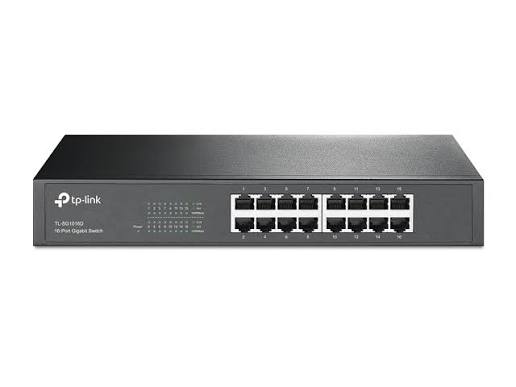
TP-Link
16-Port | Gigabit | Unmanaged
In Stock
TP-Link
16-Port | Gigabit | Unmanaged
In Stock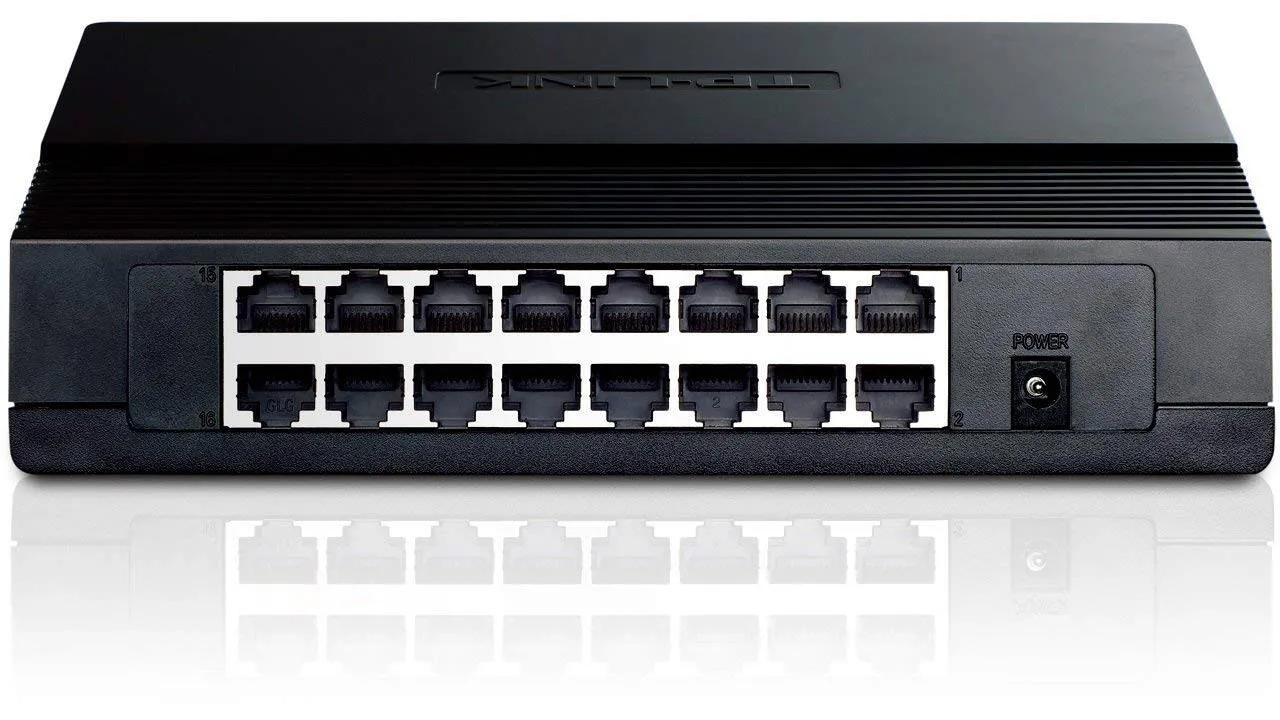
TP-Link
16-Port | Fast Ethernet | Unmanaged
In Stock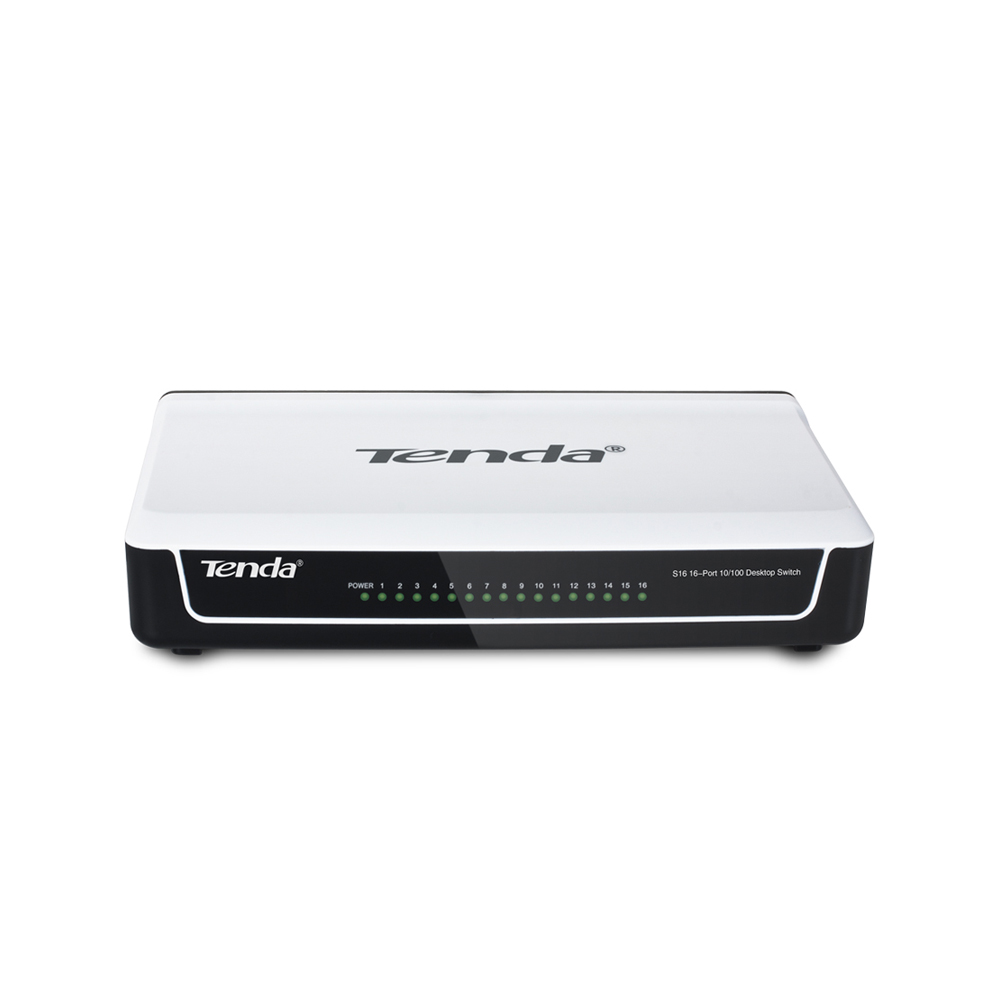
Tenda
16-Port | Fast Ethernet | Unmanaged
In Stock