Who is this switch best for?
- Office LAN expansion
- CCTV and IP camera networks
- WiFi access point connectivity
Works with standard Ethernet networking equipment including routers, computers, IP cameras, access points and servers. Confirm port, PoE and mounting requirements before purchase.
Check the product label or manufacturer datasheet for exact input voltage, power adapter and PoE requirements.
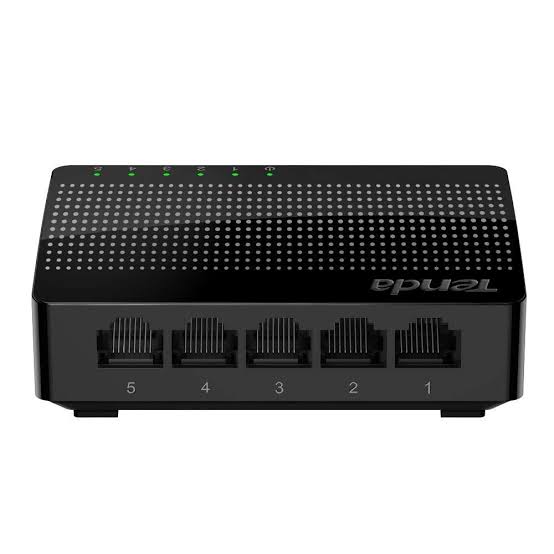
The Tenda SG105 5-Port Gigabit Switch is a compact networking device for expanding wired connectivity in homes, small offices, shops, and workspaces. It provides a straightforward way to connect additional Ethernet devices when your router does not have enough available LAN ports.
Use it to connect computers, smart TVs, network printers, storage devices, and other Ethernet-enabled equipment to an existing network. Its unmanaged design requires no administrator login or software configuration for ordinary operation.
For example, one Ethernet cable from your router can connect to the SG105, leaving four ports available for devices at your desk or entertainment center. This arrangement reduces the need to run several separate cables back to the router.
Visit Network Switch Kenya to request the current Tenda SG105 price in Kenya and confirm the supplied hardware revision, accessories, and warranty terms.
The following specifications follow Tenda’s published SG105 V6.0 information. Confirm the revision supplied when ordering.
SpecificationDetailsModelTenda SG105Product typeUnmanaged Gigabit Ethernet switchEthernet ports5 × 10/100/1000Mbps Base-TPort compatibilityAuto MDI/MDIXSwitching capacity10GbpsPacket forwarding rate7.44 million packets per secondForwarding methodStore-and-forwardMAC address table2K entriesBuffer1MbIndicators1 power indicator and 5 Link/Activity indicatorsEnclosurePlasticDimensions, V6.082 × 52 × 22mmPower adapter input100–240V AC, 50/60HzPower adapter output5V DC, 0.6AMaximum power consumption, V6.0Less than 3WMounting optionsDesktop or wall mountingOperating temperature0–45°COperating humidity10–90%, non-condensingTenda publishes different dimensions and power figures for some earlier SG105 versions, so specifications should be matched to the label on the supplied unit. Tenda Global
The SG105 is useful when your router’s Ethernet ports are already occupied. Rather than replacing a working router, you can add a switch near the devices that need connections.
A small office could connect a desktop computer, printer, storage device, and access point through one switch, with the remaining port linking back to the router.
For a comparable five-port option, explore the TP-Link TL-SG1005D or TP-Link LS1005G.
Gigabit Connectivity for Compatible DevicesA Gigabit connection gives compatible equipment more local transfer capacity than a 100Mbps connection. This is useful when moving documents, accessing shared storage, or backing up files within your network.
Actual transfer speed depends on the complete connection, including the computer’s network adapter, cabling, storage performance, and the destination device.
The SG105 does not increase the speed of your internet subscription. Internet performance still depends on your service provider, router, and available bandwidth.
Simple InstallationYou do not need to create an account, assign a management address, or install a controller to establish ordinary network connectivity. Connect power, attach the router, and plug in your devices.
Tenda describes the SG105 as a plug-and-play device with automatic address learning. tendacn.com
Compact PlacementIts small enclosure is convenient for desks, shelves, reception counters, and home entertainment areas. Positioning it near your equipment can make cable routing easier and reduce clutter around the main router.
Keep it accessible enough to inspect the connections and disconnect power when necessary.
Connect a work computer, network printer, storage device, and another Ethernet-enabled device to your existing router connection.
This is helpful when your workspace is in a different room from the router and already has one Ethernet cable installed.
Home EntertainmentUse the switch to connect a smart TV, gaming console, streaming device, and media player. A wired connection can reduce dependence on Wi-Fi where walls, distance, or interference affect wireless performance.
Online gaming latency still depends on factors beyond the switch, including the internet connection and game server.
Small Business and RetailThe SG105 can connect a small group of workstations, printers, or checkout equipment. It is most appropriate where the requirement is straightforward connectivity on an existing LAN.
Businesses that need separate guest, payment, staff, or surveillance networks should plan those requirements with suitable routing and managed switching equipment.
Surveillance EquipmentThe switch can carry Ethernet traffic for compatible cameras or recording equipment, but it does not provide Power over Ethernet. Cameras must have a separate compatible power source.
If your installation needs data and power through the same cable, compare the TP-Link TL-SG1005P and the four-port PoE TL-SG1005P listing at Reisen SEO. Check the exact revision, PoE standard, and total power budget before choosing.
Allow for the router connection. One port normally connects to your router or upstream network, leaving four ports for local devices.
Choose enough capacity for growth. If you already need five local device connections, select a larger switch. The TP-Link TL-SG1008D 8-Port Gigabit Desktop Switch provides a larger port-count option.
Check your power requirements. The SG105 needs its external adapter and does not power connected equipment. Access points, cameras, and phones may require separate adapters or compatible PoE equipment.
Match the switch to your management needs. It does not provide a user interface for configuring VLANs, port policies, or traffic monitoring. Choose a managed model if these controls are required.
Keep the router in place. A switch expands LAN connectivity; it does not replace the router’s internet gateway, firewall, or DHCP functions.
You will need:
Inspect the adapter label and use the power supply specified for your unit. Avoid substituting an adapter simply because its connector fits.
2. Choose a Suitable LocationPlace the switch indoors on a stable surface near the equipment you want to connect.
Keep it away from water, excessive heat, and locations where cables could be pulled or crushed. If wall mounting, use suitable fixings and follow the installation instructions for the supplied revision.
Provide access to a power outlet without putting strain on the adapter cable.
3. Connect PowerConnect the correct adapter to the switch, then connect it to the electrical outlet.
Check that the power indicator illuminates. If it does not, verify the outlet, adapter connections, and power supply before continuing.
4. Connect the RouterRun an Ethernet cable from a LAN port on your router to an available SG105 port.
For an ordinary home or office installation, the router should already provide internet access and assign network settings to connected devices.
Do not connect the switch to the router’s WAN port as a substitute for a LAN connection.
5. Connect Your DevicesAttach each computer, printer, TV, or other device to a remaining port using its own Ethernet cable.
An example arrangement is:
PortExample connection1Router LAN connection2Desktop computer3Network printer4Smart TV5Storage deviceThis is an example layout rather than a set of dedicated port roles.
6. Check Network SettingsOn an ordinary DHCP-enabled network, set computers to obtain their IP address and DNS settings automatically.
If your organization uses static addressing, apply the settings provided by its administrator. Each device must have an appropriate, unique address.
The switch itself does not require a browser-based setup process.
7. Test the ConnectionsCheck the relevant Link/Activity indicators, then test the functions you need:
If a compatible computer connects at only 100Mbps, check its network adapter settings and try a known-good cable. Damaged or incorrectly terminated cable pairs can prevent a Gigabit connection.
8. Label and Organize the CablesLabel the router connection and device cables. Leave enough slack to move equipment without pulling on the sockets.
Avoid connecting two ports on the switch to each other. Also avoid adding a second connection to the same network equipment without a deliberate network design, as this can create a loop.
Compare the SG105 with the TP-Link TL-SG1005D at Tawa and Orbitlink’s five-port Gigabit switch listing. Confirm the exact model, enclosure, power supply, and warranty when comparing options.
Fast Ethernet AlternativesFor equipment with modest bandwidth requirements, review the TP-Link TL-SF1005D, Orbitlink’s five-port Fast Ethernet switch, and the TL-SF1005D at Tawa.
These alternatives should be considered with their 10/100Mbps connection limits in mind, particularly for shared storage and large file transfers.
UniFi and Specialized Switching OptionsIf you want switching equipment within a UniFi installation, compare the UniFi Flex Mini and UniFi Flex. Their power arrangements and capabilities differ, so choose according to the installation requirements.
The MikroTik RB260GSP is another switching option to investigate. Verify its passive PoE compatibility carefully before connecting powered equipment.
Routers for the Upstream ConnectionIf you also need to replace or upgrade the internet gateway, consider the MikroTik hEX RB750Gr3 or MikroTik hEX E50UG.
Other router options include the MikroTik hEX S RB760iGS and MikroTik RB951Ui-2HnD. These serve a different role from the SG105; assess their routing, wireless, and interface capabilities separately.
Confirm the package contents with Network Switch Kenya before purchase. Ensure that the correct regional power adapter is supplied.
Plan separately for Ethernet patch cables and any additional cabling work. If you need power backup, select a suitable UPS for the switch, router, and other essential network equipment.
Does the Tenda SG105 provide Wi-Fi?
No. Connect a separate wireless access point if you need wireless coverage.
Can it work with a router from another brand?
Yes, through a compatible Ethernet LAN connection. The router must provide the network services required by your devices.
How many devices can I connect when using one router uplink?
Four local devices, because the fifth port is used by the router connection.
Does it require a subscription?
The switch does not require a subscription for ordinary operation. Internet service is purchased separately from your provider.
Can I use it with PoE cameras?
It can carry their network traffic, but they need a separate compatible power source. The SG105 does not supply PoE.
What is the Tenda SG105 price in Kenya?
Contact Network Switch Kenya for a current quotation. Confirm the hardware version, warranty, and accessories included.
Expand a small wired network with the Tenda SG105 5-Port Gigabit Switch. It is a suitable choice when you need simple Ethernet connectivity for several nearby devices without configuring a managed switch.
Visit Network Switch Kenya to request a quotation or compare it with the TP-Link TL-SG1005D 5-Port Gigabit Desktop Switch.
Tenda SG105 5-Port Gigabit Switch Price in Kenya is currently listed as available. Stock can change, so confirm availability before placing a large order.
The current listed price is KSh 1,600.00. Prices are generated from the product catalogue and may change when inventory is updated.
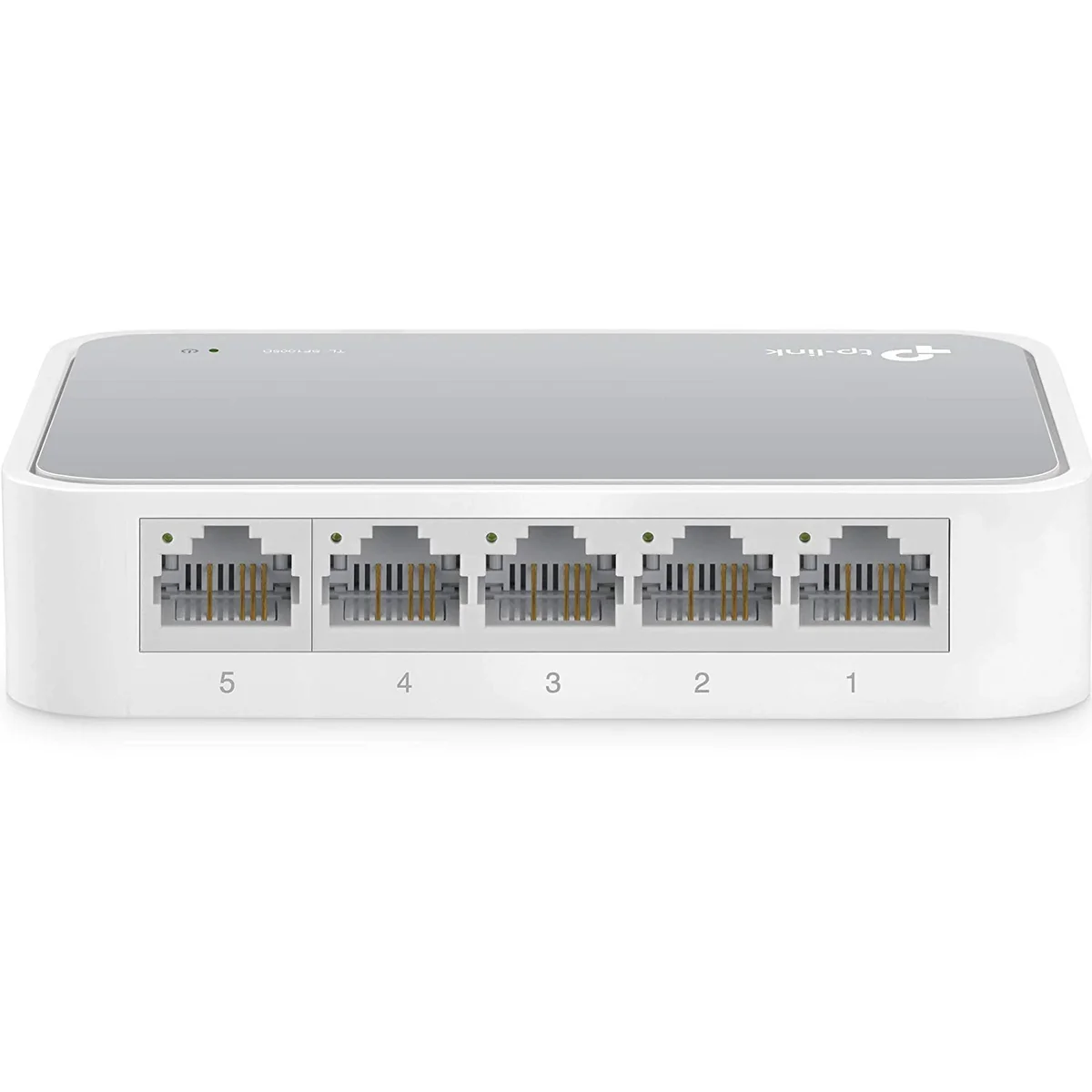
TP-Link
5-Port | Fast Ethernet | Unmanaged
In Stock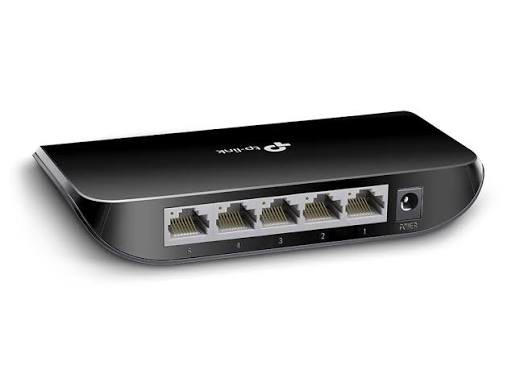
TP-Link
5-Port | Gigabit | Unmanaged
In Stock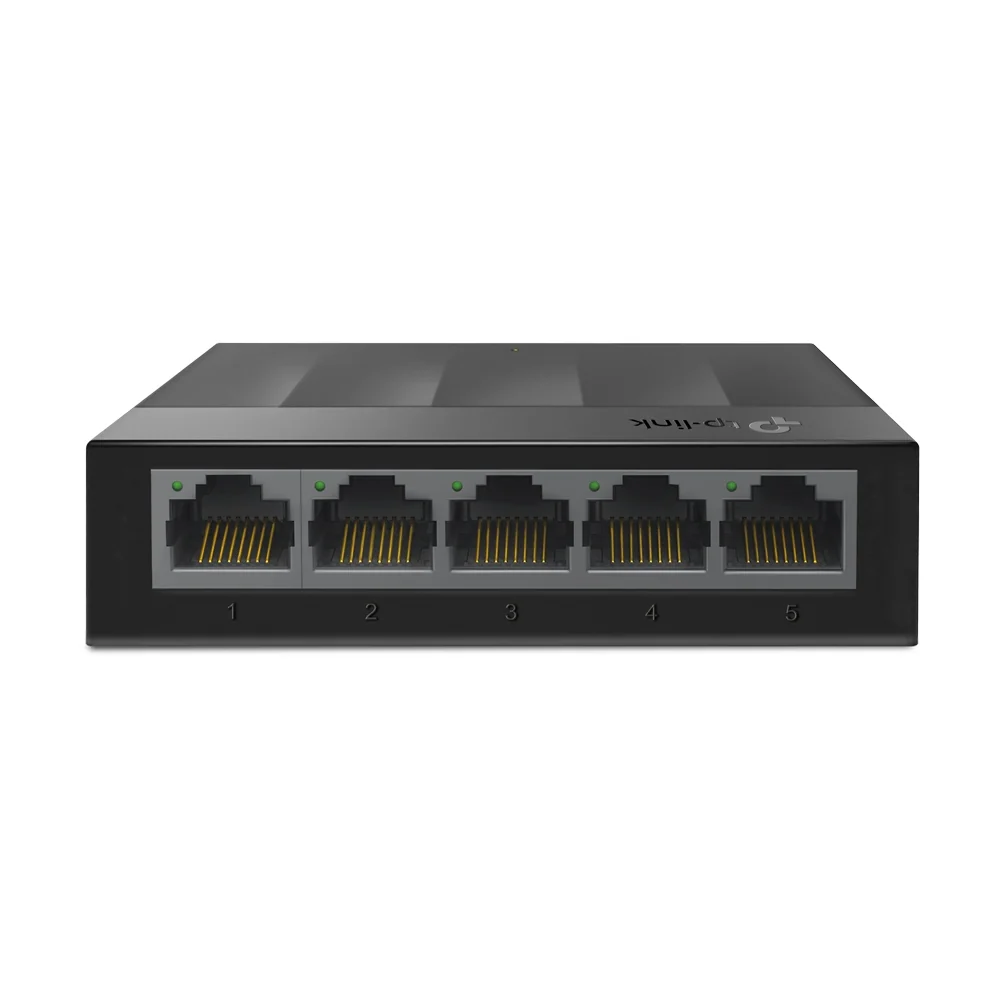
TP-Link
5-Port | Gigabit | Unmanaged
In Stock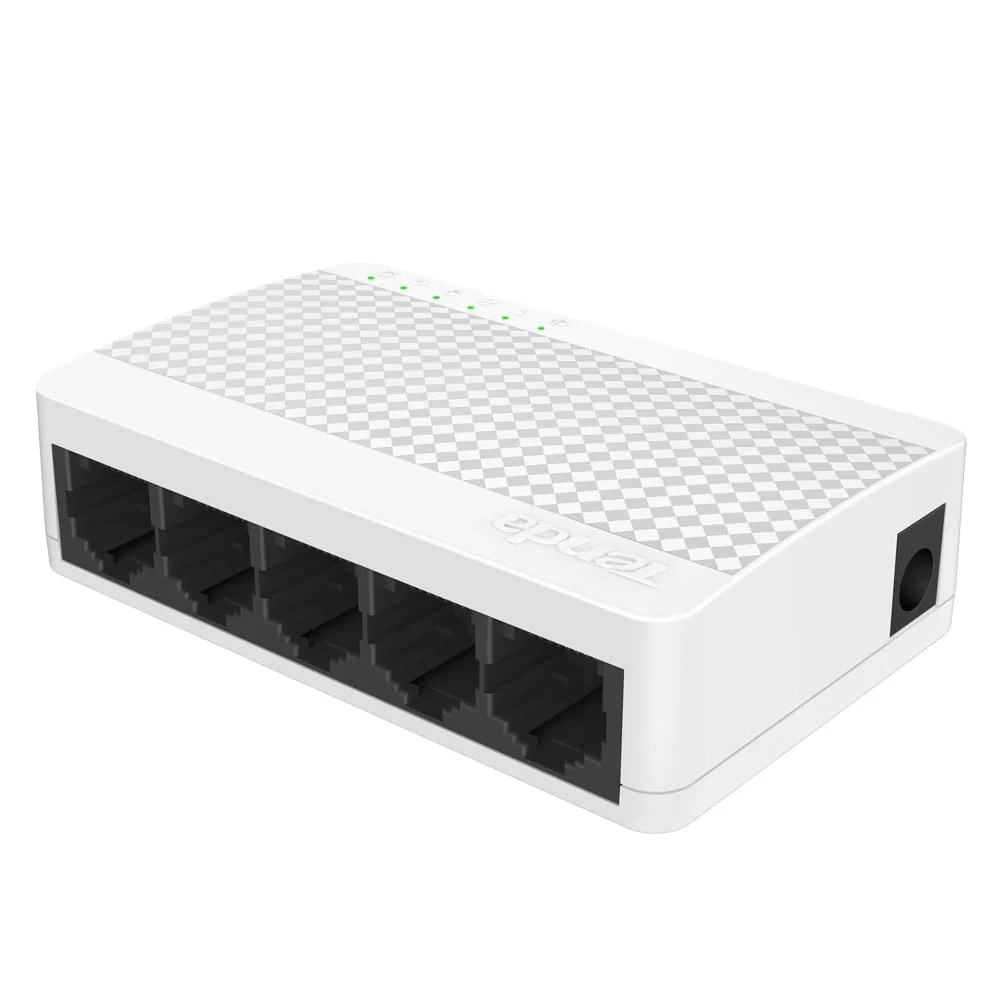
Tenda
5-Port | Fast Ethernet | Unmanaged
In Stock